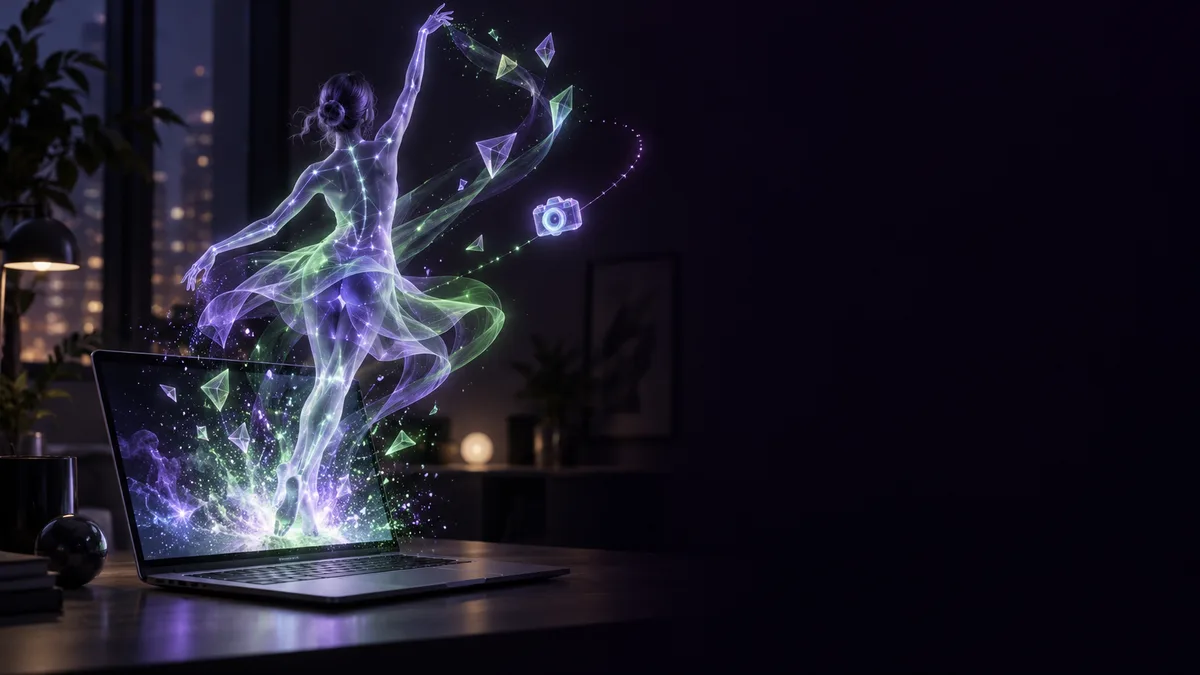
A girl dances, and when she raises a hand, lyrics hang from it. Throw a punch and letters fly out; land, and color floods up around her feet. That is one scene from an After Effects (AE) test shared by aicreataro, as described in the post 1.
The part that makes it worth watching: the text sticks to her body. According to the creator, once you can extract the skeleton, text can follow a body with no manual tracking 2.
Opus 5.5にAfter Effectsを操作させるテスト、その3。
— aicreataro (@aicreataro) September 26, 2026
■ベース
・曲はSunoで作成
・MiniMax H3に曲を聴かせて、女の子を踊らせる(15秒×2本)
■AEでやらせたこと
・踊りの映像から全身の骨格を1コマずつ取り出して、AEに流し込む
・その骨格データで、文字・光・カメラを動かす… pic.twitter.com/NtflCFYG4M
The creator writes (in Japanese) that this is the third test of having Opus 5.5 operate After Effects 3. The song was made with Suno, and MiniMax H3 was given the song and made the girl dance, the post says 4. The full-body skeleton was pulled out of the dance footage frame by frame and fed into AE, and that skeleton data then drove the text, lights and camera 5. The numbers and frames on screen are real coordinates and speeds taken from the dance, the creator says 6.
AI as the director's hands. A number of examples like this have been posted lately. Impressions and numbers from the posts are the creators' own reports.
Rough instructions, a good result, and a file a human can fix
The same creator has a plainer test. It starts from a MiniMax H3 video and has Opus 5.5 operate AE to process it 7 8.
Opus 5.5にAfter Effectsを操作させて、AI動画を加工するテスト。
— aicreataro (@aicreataro) September 23, 2026
■ベース
MiniMax H3 で15秒を1本
■AEでやらせたこと
・カットの切れ目を拍に合わせて速さを調整
・区間ごとにエフェクトを1つずつ(粒子/光線/万華鏡/データモッシュなど)
■わかったこと… pic.twitter.com/sPbhWmRdod
What the AI was asked to do in AE: adjust the speed of cut points to the beat, and apply effects section by section. Particles, light rays, a kaleidoscope and datamosh are among those listed 9. The creator writes that even fairly rough instructions came out well, and that because the result is kept as an .aep project, a person can fix it by hand later 10.
What stands out here is that it does not end in a black box. What the AI builds is something you can open and touch in AE.
There is an honest note too. The creator writes that they think learning the software matters and are trying it with that in mind, but that the fear of skipping the learning altogether makes it a hard call 11. Excitement with a bit of doubt next to it is more believable than excitement alone.
Sound and motion push the picture into 3D
Now Blender. According to the creator, "Visualizing Sound and Motion" (title translated from Japanese) is a combination of Opus 5.5, Blender and Python 12. The materials: the person from MiniMax H3, the key visual from Midjourney, the music from MiniMax Music 3.0 13.
「音と動きをビジュアライズ」
— aicreataro (@aicreataro) October 8, 2026
Opus 5.5×Blender×Python
■素材
・人物:MiniMax H3
・キービジュアル:Midjourney
・音楽:MiniMax Music 3.0
■Blenderとコードでやらせたこと
・音が大きいほど、絵が立体になって手前に飛び出す
・速く動いた所ほど、粒になって浮く… pic.twitter.com/63T3q6AvSx
The louder the sound, the more the picture pops out toward you in 3D. The faster something moves, the more it breaks into particles and floats. At the moment of a hit, time stops and only the camera swings around. That is how the creator describes it 14. The creator's takeaway is that combining things can produce images generation alone cannot, but that overdoing it ruins it 15.
The same creator also posted a making-of for a piece titled "Visualizing Motion and Sound" (title translated from Japanese), in a separate post.
「動きと音をビジュアライズ」のメイキング
— aicreataro (@aicreataro) October 9, 2026
簡単ではありますが、参考になれば嬉しいです。
■素材は少ない
・下絵は4種類のAI動画+曲
■Blenderの中の仕組み
・元の映像は1枚の板。それを細かい粒に分けている
・動画から測るのは3つ。人物の形、奥行き、どこが速く動いたか… pic.twitter.com/DRQz8a5t9S
Inside Blender, the source video becomes a single plane that is split into fine particles, and 3 things are measured from the video: the shape of the person, depth, and where things move fast, the creator writes 16. Blender is operated through Python 17.
The best part is the split between what was delegated and what was decided. Where on screen things pop out most was left to the numbers from sound and motion. The strength, look, camera and color at each hit were decided one by one in conversation 18. Numbers decide what numbers can; a person decides how it looks. Even so, the creator writes that it did not go as planned and needed 15 or more revisions 19.
Choosing not to use video generation
Next, aicreataro's "Frozen Notebook" (title translated from Japanese). The creator says no video-generation AI was used 20.
Opus 5.5にHTML/Three.jsを書かせた、ナレーションとモーションのテスト。
— aicreataro (@aicreataro) October 7, 2026
「凍った手記」
■素材
・物語と文字の動き:Opus 5.5
・声:Gemini TTS
・風とノックの音:ffmpegで合成
・動画生成AI:使っていません
■やらせたこと
・物語を書く
・文字の組みと動きを、HTML/Three.jsで作る… pic.twitter.com/r2HNN9wodZ
The story and the text motion came from Opus 5.5, the voice from Gemini TTS, and the wind and knocking sounds were synthesized with ffmpeg 20. According to the creator, the AI wrote the story, built the text layout and motion in HTML/Three.js, and then the voice and sound effects were combined and exported as a single video 21.
Unlike video generation, the text does not fall apart, fixes are quick, and the data is light, the post says 22. For footage where text is the star, building it may beat drawing it. You will want to hear the voice and the wind, so put on headphones.
"Make it stylish" does not get you there
A tip for briefing AI on direction has also been going around. showheyohtaki compiled the names of camera moves and transitions to use as instructions for AI 23.
AIへの指示用に、"動画のカメラワークと切り替えの名前" をまとめました!
— しょうへい|デイトラ代表 (@showheyohtaki) October 11, 2026
たとえばClaudeやCodexで動画を作るとき、「いい感じにおしゃれにして」だけでは、狙った演出はまず出ない。
「FPV」「ラックフォーカス」「ホイップパン」と名前で頼めば、思い通りの演出を再現できます。
保存推奨です🔖 pic.twitter.com/PQYEnmZDKm
The creator writes (in Japanese) that when making video with Claude or Codex, "make it look good and stylish" alone will rarely produce the intended direction, while asking by name, with terms such as FPV, rack focus and whip pan, can reproduce the effect you want 24 25. It echoes the AE example above, where one effect was applied per section.
Some creators package the direction itself as a Skill. KanaWorks_AI writes (in Japanese) that they released, for free, a Skill that makes game effects from a single phrase to an AI agent 26. It drops straight into Claude Code, Codex, Cursor and similar tools, the creator says 27.
VFXは、もう自由だ 🐰
— KANA|東京AI映像 (@KanaWorks_AI) October 11, 2026
AIエージェントへの「一言」で、ゲームエフェクトを作るSkillを無料公開しました。
Claude Code / Codex / Cursor などにそのまま入ります。
導入前→導入後、見てください👇 pic.twitter.com/BxccjPaYRR
If you want to do this at your own desk
First, a sorting. Anthropic does not list a local option for Opus 5.5; it lists the Claude Platform and Amazon Web Services, among others, as where it is offered 28. Claude Code's CLI is local, but it needs an internet connection to reach the model 29. A win32-arm64 build exists for Windows on Arm 30.
What runs on your machine is the software being operated.
- Adobe publishes system requirements for running After Effects locally [[F83]]. For Windows on Arm, those requirements list only the Qualcomm Snapdragon X series as a supported processor [[F106]]. RTX Spark machines are not listed there, so check Adobe's requirements before assuming it will run.
- Blender supports Windows on Arm [[F57]]. According to NVIDIA, Blender is adding DLSS 4.5 Ray Reconstruction, planned for Blender 5.3 and many games [[F96]]. NVIDIA also says these updates arrive this fall with RTX Spark [[F95]].
- For Adobe Premiere, NVIDIA says it is working with Adobe to redesign it for RTX Spark [[F99]].
For creators, NVIDIA lists 5th-generation Tensor Cores with NVFP4 support, hardware-accelerated AV1, and 4:2:2 video encode and decode 31.
Here are some RTX Spark laptops. Decide which tools you want to run, and check each one's supported environments in its official documentation before you choose.
When you fix up what the AI built, putting your most-used shortcuts on buttons could make that step lighter.
Read next
To follow the thread of handing Blender to an AI agent, see the examples of letting an AI agent handle Blender.
To go from footage to building worlds, continue with the examples of AI agents building worlds they can play in.