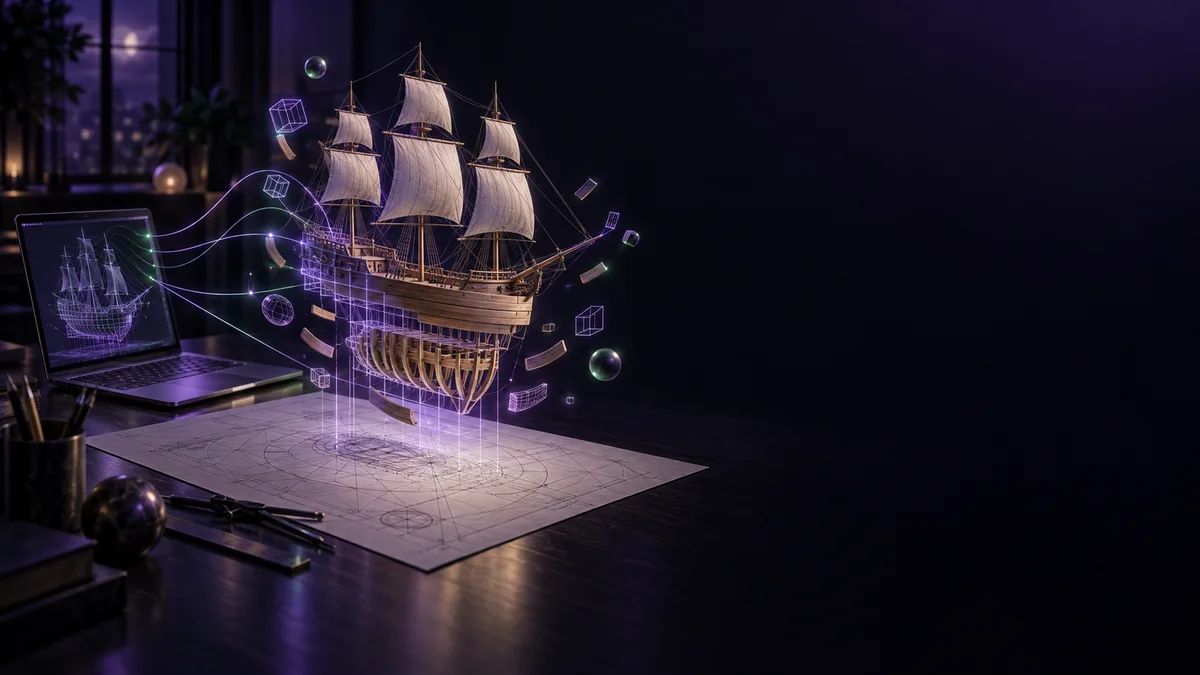
Keel, ribs, planking, deck, cannons, masts: a ship assembling piece by piece, requested from an AI in words. @Ayu_AI_0912 shared the full prompt they used to have Opus 5.5 and Blender make drawings and a video of a pirate ship 1.
Watch the finished video in the post first.
Opus5.5 × Blenderで作ってみた
— アユネオ (@Ayu_AI_0912) October 10, 2026
――――
めっちゃかっこいいじゃん!
▼プロンプト▼
架空の海賊船(17世紀のガレオン船風・3本マスト・船名なし)について、
CAD図面と Blender 動画を作ってください。
【図面】2D の DXF のみ(3Dモデルの書き出しは不要)。単位 mm、A2 の図枠と表題欄つき。
1.… pic.twitter.com/Ra1tGVtQ6Z
The creator writes (in Japanese) "Tried making it with Opus 5.5 x Blender" 2. The interesting part here is the request, not the result. When you ask an AI for 3D drawings and a video, what exactly do you write, and how far do you spell it out? Let's walk through the design of the prompt.
The drawing and the video read the same dimensions
The request starts with a fictional pirate ship: make CAD drawings and a Blender video 3. The prompt asks for 2D DXF only, in mm, with an A2 drawing frame and a title block 4. It also asks for a note stating that this is an image of a fictional ship and not a drawing of a real one 5.
The key to the design is how the dimensions are held. The prompt specifies that the dimensions are decided in a single Python shape module, and that both the drawings and the video load it 6.
If the person drawing and the person animating each keep their own dimensions, they can drift apart. The prompt is built so the source data lives in one place and both the drawings and the video read it 6. It is the old habit of keeping a single source of truth, written into the request from the start. That is the most interesting part of this example.
Even the order of assembly is written down
The video spec is just as precise: Blender's EEVEE, 1920x1080, 24fps, a 20-second main section plus a 3.5-second logo, as an MP4 with sound 7.
The order of scenes is specified too. According to the prompt, the ship goes together as keel, ribs, planking, deck, cannons, masts, yards, rigging, then sails 1. The next scene is specified as well: the paper vanishes, the sea fills in from below, the ship floats, and the camera pulls back to a full view under a sunset sky 8.
Nowhere does it just say "make a cool pirate ship video." It puts into words what to show, in what order, and how, including camera moves. The more you hand to an AI, the more your job shifts from drawing pictures to designing procedures.
Sound, synthesized in Python with no outside assets
Another standout is the audio. The prompt specifies that sound is synthesized in Python with no external material: a sailors' song, a mallet, sails, waves, seagulls, a ship's bell, and cannons 9. Instead of hunting for assets to paste in, the sound is made in code too, so the whole job runs as a single flow with the drawings and the video.
Check first, then ask permission
The "how to proceed" section is also worth reading.
- The prompt tells the AI to look at the drawing preview images and fix overlapping text [[C192]]
- It tells the AI to render a few test stills and check them before the real render [[C193]]
- It tells the AI to run the final render with light settings, letting the PC rest between runs, and to state the expected time and get approval before starting [[C194]]
Instead of fixing things after the work is done, the drawing is checked at the drawing stage and the video at the still-image stage. Before the final render starts, the AI has to say how long it will take and get a go-ahead 10. A good screen helps when you want to study test stills and drawing previews closely.
A game of never touching it yourself
Others are trying something in the same direction. @Yokohara_h posted a work-in-progress test of building a Blender scene with AI alone, without ever touching Blender personally 11.
Blenderを自分では一度も触らずにAIのみでBlenderシーンを作るテスト途中
— Hirokazu Yokohara (@Yokohara_h) October 9, 2026
モデリングも含めてAIのみという縛り
なるべくクオリティ出るようにやり方組み合わせた pic.twitter.com/jRO3jNBtKR
The creator writes (in Japanese) that the rule is AI only, modeling included 12, and that they combined methods to get as much quality as possible 13. The post does not say which AI was used.
Opus5.5+BlenderMCPでAIだけで自動生成した3D ムービーです。#Claude #Blender pic.twitter.com/Rn244GRY85
— 小阪淳 (@KOSAKA_Jun) October 12, 2026
@KOSAKA_Jun posts a single sentence: a 3D movie generated automatically by AI alone, with Opus 5.5 and BlenderMCP 14. The post is short and gives no steps or environment.
For finishing touches, see another article
For what comes after the request, there is a tutorial by @KanaWorks_AI. The creator writes (in Japanese) that handing Blender over to Opus 5.5 wholesale usually stops at "plausible" 15, and lists, among what helped, showing the AI its own render and having it measure with numbers 16.
Opus 5.5 にBlenderを丸投げしても、
— KANA|東京AI映像 (@KanaWorks_AI) October 10, 2026
だいたい「それっぽい」で止まります。
そこから本当に綺麗にするまでに効いたことを、全部出します。
・AIに自分のレンダーを見せて、数字で測らせる
・採点は、作っていない別のAIにやらせる
・落ち葉は本物の落ち方を調べさせる… pic.twitter.com/d7CDyeYHx3
Another tip is to have a different AI, not the one that made it, do the scoring 17. For more, read our article on handing Blender to an AI agent, built around the same post.
One example of connecting an AI to Blender
One example of a bridge between an AI and Blender is MCP for Blender (formerly blender-mcp). Its GitHub README describes it as connecting Blender to any LLM 18. Listed features include the AI writing Blender Python directly 19 and using renders so the AI checks its own work 20. It is a third-party integration, not made by Blender 21, under the MIT license, and its PyPI package has been renamed mcp-for-blender 22 23.
@KOSAKA_Jun's post says "BlenderMCP" 14 but does not say which implementation, so it cannot be equated with the MCP for Blender above. The posts by @Ayu_AI_0912 and @Yokohara_h do not say what connected Opus and Blender.
The brain is in the cloud, Blender is at hand
Here is the split. For Claude Opus 5.5, the official availability is the Claude Platform and cloud services such as Amazon Web Services 24. What you can run on your own machine is the Blender side 25: Blender is released under the GPL 26 and is compatible with Windows 11 and others 27.
The posts do not say which PC the rendering ran on. All we know is that the prompt says to let the PC rest between runs 10. Waiting on the final render and the load on the PC both come back to how much headroom your own machine has.
If you try this at your own desk
NVIDIA says RTX Spark's up to 128GB of unified memory handles 3D scenes up to 90GB 28. The same page says RTX-exclusive features such as OptiX and DLSS keep the ray-traced viewport moving 29.
On the Blender side, the official download page says Blender is compatible with Windows on Arm 30. NVIDIA announced that Blender is adding DLSS 4.5 Ray Reconstruction, arriving this fall with RTX Spark 31. The Japanese NVIDIA blog says it is planned for Blender 5.3 32, so this is a plan, not something shipping. None of this means the tools in these examples run as-is on an RTX Spark machine, so check the supported environment of whatever you want to run in the official docs before choosing.
Here are examples of RTX Spark machines.
No store link yet — this machine has not opened for orders in the index.
No store link yet — this machine has not opened for orders in the index.
If you spend a lot of time spinning the scene around to check its shape, an input device like a 3D mouse is worth a look.
Read next
For another way an AI builds a 3D world, the playable-worlds example reads as a continuation of the same craft of asking. For Blender finishing tips, head back to our Blender agent article.