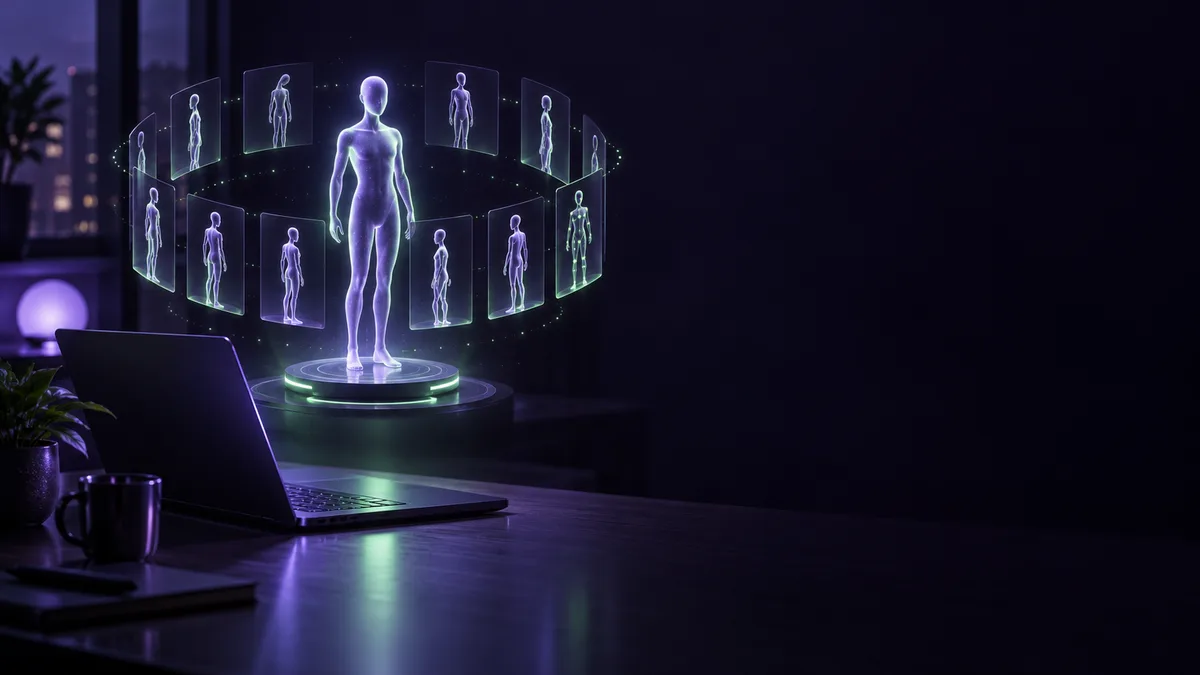
The camera swings all the way around the subject, on a local GPU. That is @AiPhotorealGirl's video. Put the other posts next to it and a small studio takes shape around a single character: lock the face, pull poses out of the orbit, fix the expression, and let an LLM write the motion.
Spin: an orbit video on a local GPU
We start with @AiPhotorealGirl.
これは最新の ComfyUI v.0.39.0 & RTX 4070 12GB & MiniMax-H3 360° Orbit LoRA で生成した2.0MPixel(1440x1440)の動画です。生成時間は約17分。
— AIconia | アイコニア (@AiPhotorealGirl) October 12, 2026
ひとつ前のバージョンだと1.5MPixelでもVRAM不足になってたと思いますが、最新版では解消されて、高速化もされていて、良い感じです😊… pic.twitter.com/fpH3fNbEnn
The creator writes (in Japanese) that the video was generated with ComfyUI v0.39.0, an RTX 4070 12GB and a MiniMax-H3 360° Orbit LoRA, at 2.0MPixel (1440x1440), and that generation took about 17 minutes 1.
The memory detail is the interesting part. The creator says they think the previous version ran out of VRAM even at 1.5MPixel, and that the latest version fixes this and is faster too 2. That is the creator's own read.
The ComfyUI v0.39.0 release notes list changes such as releasing MiniMax H3 embedding temporaries before the blocks run 3 and a fix for a MiniMax VAE offload issue 4. The notes do not say which of these, if any, made the difference on the creator's machine.
Orbit-camera LoRAs are also distributed on Hugging Face. MiniMax-H3 ORB360 is an example. According to its page, you give it a photo and get a camera orbiting clockwise through 360 degrees around the subject 5. For multi-view use, the author recommends the step1500 file 6. You load it with the standard Load LoRA node onto a MiniMax-H3 Ref2VA 7, and the license is the MiniMax H3 Community License Agreement 8. @AiPhotorealGirl's post names the LoRA only as "360° Orbit LoRA"; the name ORB360 does not appear in it.
For a comic panel brought to life with ORB360, see Images, Video and Music at Home.
Match: locking a face with RefMod
Next is the opening post of a thread by @ai_hakase_.
【革命】LoRA学習はもう不要!?🤯✨
— ハカセ アイ(Ai-Hakase)🐾生成AI・ComfyUI (@ai_hakase_) September 30, 2026
「MiniMax H3」で顔がブレない神技術「RefMod」が登場しました!
なんと数分で約1MBの超軽量ファイルを作るだけで、狙ったキャラクターの顔を完全固定できちゃうんです⋯!
👇️ このスレッドで解説していきます!#AI動画 #MiniMax #ComfyUI pic.twitter.com/abFa6woxKp
The thread introduces RefMod, a way to lock a character's face in MiniMax H3. The creator writes (in Japanese) that a file of about 1MB, made in a few minutes, is enough to "completely fix" the target face 9. The steps are in the rest of the thread.
According to the distribution docs, the RefMod node system runs on the ComfyUI custom node ComfyUI-MiniMaxH3Mod 10. The RefMod models are released as open weights 11.
Match: pulling poses out of an orbit video
@IsekaiBardGuild shows another use for an orbit video.
1枚の人物画からポーズを高精度で推定する ComfyUI の custom node を作ってみました
— AI Bard Guild (@IsekaiBardGuild) October 5, 2026
MiniMax H3 360 Orbit で作った周回動画から抜き出した複数視点の画像でポーズ推定をし、深度推定 + 座標補正をします
作成したポーズは Qwen Image 2.1 のポーズ指定 workflow などで利用可能です
URL は↓… https://t.co/J2r55JigDl pic.twitter.com/94onwNl7CX
The creator writes (in Japanese) that they built a ComfyUI custom node that extracts images from several viewpoints out of an orbit video made with MiniMax H3 360 Orbit, estimates the pose, then runs depth estimation and coordinate correction 12. The resulting pose can be used in workflows such as the Qwen Image 2.1 pose-specification workflow 13. The creator adds that the orbit video does not have to come from MiniMax H3: video from other AI tools or live footage works too, as long as it meets the requirements 14.
Spinning is not the end of the line; the result becomes material for the next step. That is the studio feel of this setup.
Qwen-Image-2.1's README says the developers open-sourced it 15; the license name is qwen-research 16.
Fix: dragging handles on the face
The face and clothes look right, but the mouth is open too wide or the gaze is off. @tkvtk has a post for that.
AI画像で、顔も服もいいのに
— T (@tkvtk) October 3, 2026
「口が開きすぎてる」
「目線の向きがよくないな」
ってとき。
ComfyUIの「NKD Face Rig」は、顔の上に付いたハンドルをドラッグして表情を調整できます。
・口角を少し動かす
・結果を見る。
・違ったら戻す… pic.twitter.com/puQpLq6LQB
According to the creator, who writes in Japanese, the ComfyUI node "NKD Face Rig" lets you adjust an expression by dragging handles placed on the face 17. Touching the spot you want to fix directly, they say, is handier than hunting for words or numbers that describe an expression 18. They add that the node makes LivePortrait's expression control available through this interface 19. They also say they confirmed it works on both anime and photorealistic faces 20.
NKD Face Rig is under the MIT License 21, and so is the LivePortrait code 22.
If you sketch character sheets or expression drafts by hand before the fix, a pen tablet makes that part of the loop easier.
Let an LLM write the motion
The last post is from @haribote0073.
LLMにプロンプト書いてもらってますがサブPCにRTX4070積んだのでQwen-3.8 27B Q4だとやっぱりクオリティ上がりますね。
— カピバラVR@unityゲーム制作 (@haribote0073) October 11, 2026
内臓GPUだと9B Q3が精一杯だったので。
手を振って1回転してまた手を振ってジャンプして屈伸する。という指示だけで添付動画が出来ました。 pic.twitter.com/WWFWY13uvW
The creator writes (in Japanese) that the prompts are written by an LLM 23, and that an instruction like "wave, spin around once, wave again, jump and squat" was all it took to produce the attached video 24. The post does not say which tool made the video.
The memory story shows up here as well. The creator writes that adding an RTX4070 to a sub PC and moving to Qwen-3.8 27B at Q4 raised the quality 25, and that on the integrated GPU a 9B model at Q3 was the most they could manage 26. Qwen3.8-27B has 27B parameters 27, is licensed under Apache-2.0 and ships open weights 28 29.
If you plan to sell the results
Commercial use of locally generated MiniMax H3 outputs requires a MiniMax commercial license 30. If you plan to sell your character, read the official terms first.
On your own desk: the memory question
Some of these posts mention memory 2 26: one creator thinks the previous version ran out of VRAM, and another says a 9B model was the most the integrated GPU could manage.
Here is what NVIDIA says about RTX Spark.
- According to NVIDIA's product page, up to 128 GB of unified memory handles 3D scenes up to 90 GB [[F100]] [[F141]].
- On the same page, NVIDIA says you can generate images and video right on your device, as often as you like, with no subscription and no per-prompt fees [[F101]].
- NVIDIA's page also says you can run models up to 120B parameters with 1M context [[F103]].
ComfyUI is a matter of announced plans. NVIDIA says RTX Video Frame Generation will be coming to ComfyUI, with the update arriving this fall with RTX Spark 31. A quote from ComfyUI co-founder Yannik Marek appears on NVIDIA's blog (Japanese edition). In the future tense, it says ComfyUI users will be able to run very complex multimodal workflows and generate ultra-high-resolution images and video on portable devices at unprecedented speed 32.
None of the post texts above names an RTX Spark machine as the hardware used. If you want to use MiniMax H3, RefMod, ORB360, NKD Face Rig, Qwen3.8-27B or similar tools on an RTX Spark machine, check each tool's official documentation for supported environments first.
Examples of RTX Spark machines:
Once orbit videos and multi-view images start piling up, a place to keep them helps.
Read next
For mass-producing MiniMax H3 video on your own machine, see Videos Pile Up While You Sleep. The ORB360 comic is in Images, Video and Music at Home.