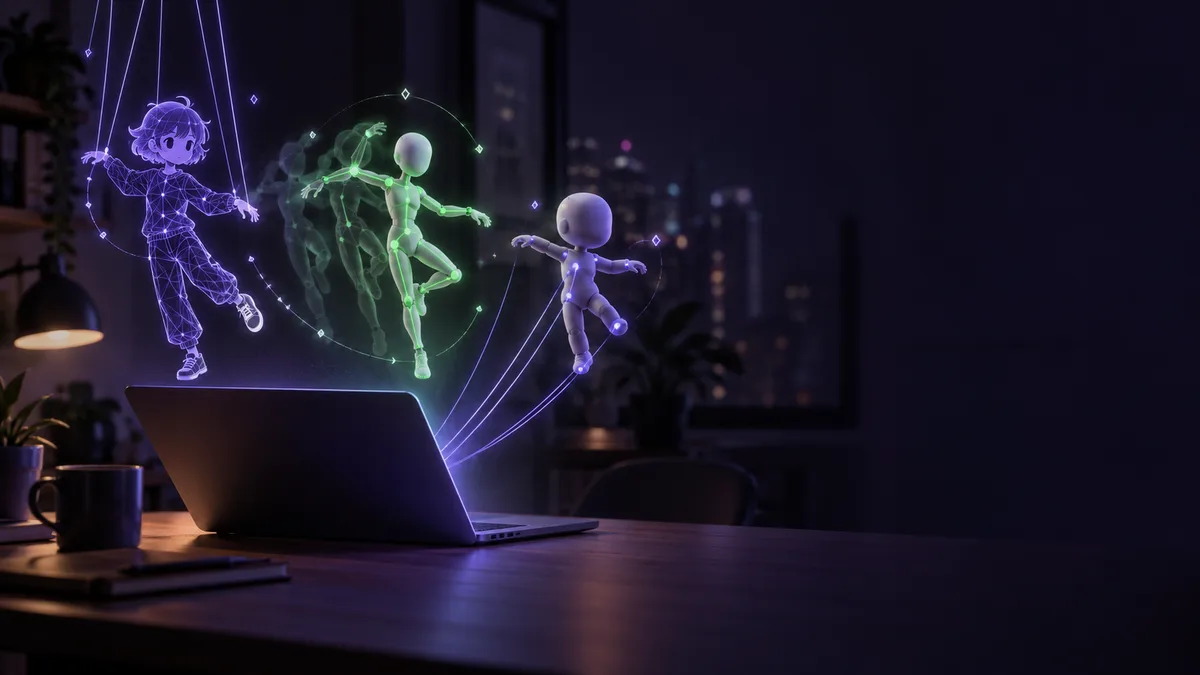
Take the motion of a person in a video and put it on a 3D character's body. That is the job of Motion2MixamoRig, an open-source tool MaxLiu09 posted along with its GitHub link 1.
https://t.co/uR1KcAoXYY
— MaxLiu09 (@MaxLiu09) October 12, 2026
Made an open-source one that does the same thing, and there's a Blender extension available for it now too. https://t.co/8LRhLFoGgZ pic.twitter.com/lyTPrBcSur
The post says the creator built an open-source tool that does the same thing as the post they quote, and that a Blender extension is now available too 2. Line up the pieces that crossed our feed on X, and the ways into animating a character seem to branch: video, drawings, plain words. Below, in order: moving motion from video, giving a drawing a body, rendering from prompts, giving an LLM a body, and hunting for motion LoRAs, each read next to the tool's own documentation.
Moving motion from video onto a 3D body
According to the Motion2MixamoRig README, the tool transfers the motion of a person in a video, or the pose in a still photo, onto a 3D character rigged with Adobe Mixamo 1. The result is a skinned character file (.glb) you can drop into Blender or Unity 3. The repository also ships a Blender 4.2+ extension that runs the same pipeline in an external Python environment 4.
The input clip has requirements: exactly one clearly visible person, head to toe in frame the whole time 5. You download the character from Mixamo with an Adobe account 6.
The README also covers processing time. On CPU, a clip of about 30 seconds takes about 8-15 minutes to extract 7. The first run downloads inference weights of about 5 GB 8. If you want to move the same skeleton motion onto another character, reusing the previous skeleton skips extraction and finishes in a short time, the README says 9. One motion, tried on character after character.
The README is upfront that the project is currently experimental 10.
Giving a drawing a body
Before 3D, there is another route: animating the drawing itself. shinshin86 writes (in Japanese) that they released Mesh Avatar Studio, a tool for making Live2D-style avatars from a drawing 11.
絵からLive2D風のアバターを誰でも作れるようにするためのツール『Mesh Avatar Studio』を公開しました!
— shinshin86|AITuber OnAir開発者|AIキャラのミコをバズらせたい人 (@shinshin86) October 4, 2026
手元のClaude CodeやCodexから使えます
絵を渡すとAIエージェントが下地を作って、ずれたところはエディタでドラッグして直せます… https://t.co/KaCTYSkoBG pic.twitter.com/V53muaRJZl
The flow, as they describe it: hand over a drawing, an AI agent builds the base, and a person drags things in an editor to fix whatever is off 12. The creator also writes that it can be used from a Claude Code or Codex running on your own machine 13. The split is clean: the agent handles the groundwork, and a human eye and hand do the finishing.
In the official documentation, the code is released under the MIT License (the sample characters are excluded) 14. The README also has a step for creating the working folder under your Windows account 15.
For drawing the source art, or touching up spots the base got wrong, a pen tablet looks like it would make the work easier.
Rendering your own VRM from prompts
Next is midori_tatsuta. They write (in Japanese) that they gave up on Blender after 3 days, then followed the method in the quoted post and, as a trial, went all the way to rendering a video 16.
blenderを3日で挫折した女が、お試しで引用元の作り方を参考に動画のレンダリングまでしてみました。
— みどり🐲Midori Tatsuta (@midori_tatsuta) October 12, 2026
プロンプトのみで、Opus5.5で作成しています。
自分のvrmモデルがあったので入れてみました。完全に一貫した動画になるので、参照元としても良いかもですね。 https://t.co/AUWtJguURZ pic.twitter.com/C3eqHkcWHu
It was made with prompts only, using Opus 5.5, the creator says 17. They also had a VRM model of their own, so they put it in 18. The creator adds that the video comes out completely consistent, so it might also work as a reference 19.
The creator, who gave up on Blender after 3 days, writes that prompts alone got them to a rendered video of their own model 16 17. It is a single trial, but it is striking how low the entrance seems to be getting. For more on building 3D from written instructions, see Building 3D in Blender from a written brief to an AI.
A distinction worth making: according to Anthropic's page, Opus 5.5 is offered on the Claude Platform and in Amazon Web Services, both cloud offerings 20. The post does not say which software did the rendering or how it was connected to Opus.
Giving a brain a body
L_ARCH_01 writes (in Japanese) about a simple test of giving an LLM a body it can operate, using Opus 5.5 and UE5.8 21.
Opus5.5+UE5.8でLLMが操作できる肉体を与えてみる簡易テスト。要するにLLMが(疑似的に)ボディ制御してるだけのAItuberです。UEでのデモあんま見ないのでやってみた。思ったよりいい感じ
— えうれか先生 (@L_ARCH_01) October 4, 2026
まだ限定的な環境だけどうきうきで見てて面白い。中身はOpus5.5です… pic.twitter.com/h8r65FulTW
In the creator's words, it is simply an AITuber in which the LLM is (in a pseudo sense) controlling a body 22. They write that they rarely see UE demos of this kind, so they tried it, and it came out better than expected 23. The environment is still limited, but it is fun to watch 24. The model inside is Opus 5.5 25, and they plan to finish it as a desktop app 26.
On the division of labor, Opus 5.5, the brain driving the body, is offered, per Anthropic's page, through the cloud 20. The post does not say how the UE side is run or what environment it needs. The fun here is the idea itself: handing an LLM a body to operate.
Hunting for motion LoRAs
Another entrance is the LoRA for a video generation model. sep_is_heim writes (in Japanese) that quite a few MiniMax H3 LoRAs have been appearing 27.
MiniMax H3のLoRA、結構増えてきていますね!
— Kamimoto(かみもと) (@sep_is_heim) October 12, 2026
カメラワーク、変身、キャラ編集、アクション、画風変更など、公開されている18種類のLoRAを6ジャンルに整理してみました!(一部重複あり)
各LoRAの配布リンクは返信にまとめます👇 pic.twitter.com/IKSvMZBHtC
They sorted 18 publicly available LoRAs into 6 genres, including camera work, transformation, character editing, action and style changes (with some overlap) 28. The distribution links for each LoRA are to be gathered in a reply 29. See the image in the post for the overview.
MiniMax H3 has open weights that let you run the model locally 30, and ComfyUI's documentation describes running it locally in ComfyUI 31. Its license is the MiniMax H3 Community License Agreement 32.
Separately from sep_is_heim's list, here is one camera-motion LoRA you can check on its distribution page: ORB360. According to its README, give it a photo and you get a smooth clockwise 360-degree camera orbit around the subject 33. You load it with the standard Load LoRA node 34. Its license is the MiniMax H3 Community License Agreement 35. A piece built with this LoRA is covered in Spin, match and fix a character on your own machine.
If you plan to use it commercially
Whichever way in you pick, publishing or monetizing what you make means reading each tool's license.
- The Motion2MixamoRig code is Apache-2.0 [[F160]]. But SMPL-X, which you download separately, is non-commercial research / education / art by default, and commercial use needs a separate deal, the README says [[F169]].
- The Mesh Avatar Studio code is under the MIT License; the sample characters are excluded [[F37]].
- For MiniMax H3, commercial use of locally generated outputs requires a MiniMax commercial license [[F58]].
If you want to do this at your own desk
The pieces above mix tools that run on your machine with a model offered through the cloud. If you are picturing body and motion all at your own desk, here is what NVIDIA says about RTX Spark.
- According to NVIDIA's product page, up to 128 GB of unified memory handles 3D scenes up to 90 GB [[F100]].
- On the same page, NVIDIA says you can generate images and video right on your device, as often as you like, with no subscription and no per-prompt fees [[F101]].
- Blender officially supports Windows on Arm [[F57]]. As planned items, NVIDIA announced that Blender is adding DLSS 4.5 Ray Reconstruction [[F95]], and that RTX Video Frame Generation is coming to ComfyUI, with these updates arriving this fall with RTX Spark [[F97]].
None of the pieces here say they were made on an RTX Spark machine. If you want to use Motion2MixamoRig, Mesh Avatar Studio, MiniMax H3 or UE on an RTX Spark machine, check each tool's official documentation for supported environments first.
Examples of RTX Spark machines:
No store link yet — this machine has not opened for orders in the index.
Motion clips, weights and exported character files pile up quickly. Keeping them on a separate drive makes things easier to find when you try swapping characters.
Read next
To keep going with building Blender scenes from words, see Building 3D in Blender from a written brief to an AI. For a camera-motion LoRA in action, see the ORB360 piece.