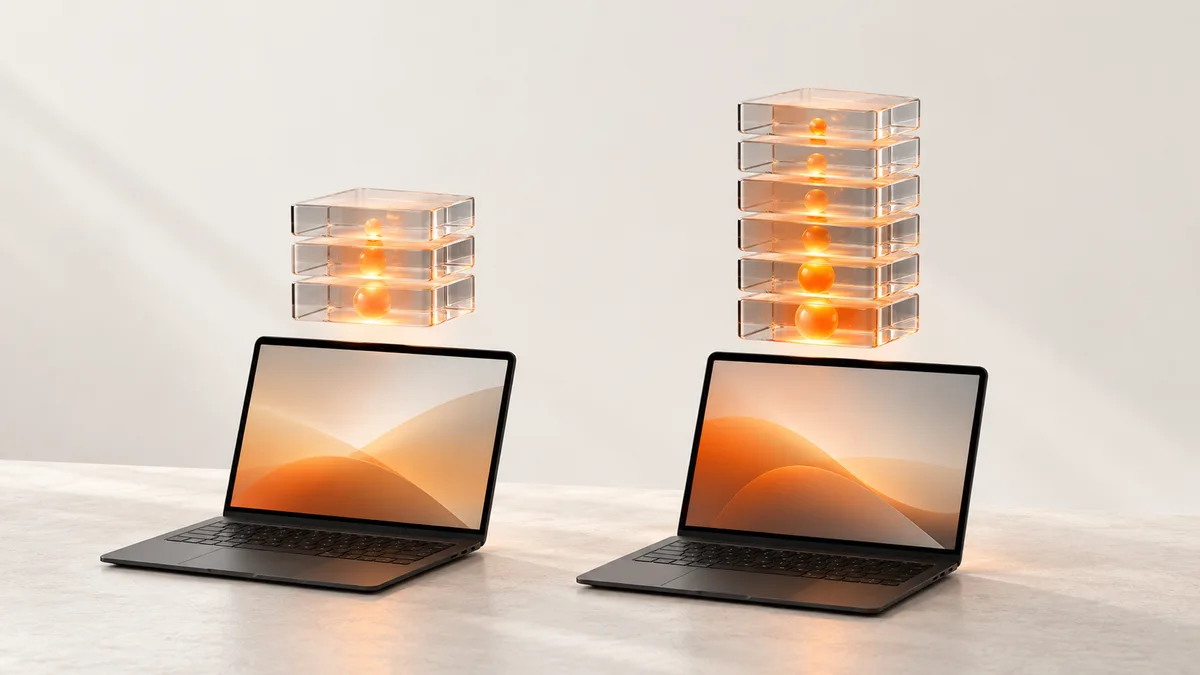
A large language model starts running inside a laptop. The question that comes next is whether the smaller memory option is enough, or whether it is worth paying for the big one.
The trigger was a post that points to a PC Watch review (in Japanese). Its headline, in short, asks what a 64GB RTX Spark can do, with benchmarks from LLMs to video generation 1.
64GBのRTX Sparkで何ができる?LLMから動画生成まで徹底ベンチ!
— しろあ|ガジェット (@shiroa_x) October 22, 2026
出典:https://t.co/Q8k0vSzhju
確認:2026-10-22 09:00 JST
PC Watch tested a 64GB machine (ASUS ProArt P16 (H7607)) and a 128GB machine (ASUS ProArt P14 (H7407BA-SUNX1281BLP)), both built on the RTX Spark N1X, in separate articles 2 3. Mobile01 tested the top-end 128GB MSI Prestige N16 Flip AI+ 4. Different machines, different writers, different dates, so this piece does not line the numbers up to crown a winner. It reads each review for what it says about memory.
What the smaller machine ran
On the 64GB ASUS ProArt P16 (H7607), PC Watch ran a 27B LLM (Qwen3.8-27B, Q4_K_M, about 16.45GB of model weights) on the Windows Arm64 build of llama.cpp, with speculative decoding using a DFlash2 draft model switched on 5.
The point to hold on to is that the whole 64GB does not become GPU memory 2. PC Watch writes that you cannot hand all of it to the GPU, because Windows and apps need main memory too 2. For this test, PC Watch used the NVIDIA App to change the GPU memory allocation from the default 30.5GB to 40GB 6.
Under that setup, the average generation speed in llama-speedbench (5 items from each of 11 categories, 55 items in total, output capped at 1,024 tokens, concurrency of 1) was 31.99 tokens/s 7. That figure is the average of the second run, and it is for the configuration with speculative decoding 8.
Image and video generation were measured too, using ComfyUI workflows with 1 warm-up run followed by 5 measured runs 9. The FLUX.2 Klein base 4B NVFP4 workflow averaged about 13.9 seconds after warm-up, at 1,024×1,024 and 20 steps 10. The FLUX.2 Dev NVFP4 workflow averaged about 40.2 seconds 11. PC Watch says that makes it easy to picture trying visual ideas while adjusting prompts 12.
For video, LTX2.5 produced 5 seconds of video and audio in about 69 seconds on average 13. PC Watch cautions that processing takes longer than the clip itself, so this is not real-time generation 13.
Long inputs and the wait
In AgentPerf Local, which imitates continuous back-and-forth, the machine handled 168 turns at a context of 65,536 tokens with 0 failed turns 14. At an input of 65,536 tokens, though, the first output took about 102 seconds, and PC Watch writes that being able to hand over a long text is not the same as getting a quick reply 15.
In PC Watch's words, loading a large model and running it fast are separate matters 16. That distinction matters for the decision below.
What the larger machine ran
On the 128GB ASUS ProArt P14 (H7407BA-SUNX1281BLP), PC Watch's story is about how big a model you can load 3. The VRAM was recognized as about 110GB 3. PC Watch writes that even the 3-bit quantized Unsloth build of an AI model, which is over 90GB, loads whole on this machine 17.
PC Watch also says the open-weight model Qwen3.8-Flash-Next installs without workarounds and handles difficult coding 18. Given a single-line prompt to build a Three.js 3D scene, it coded at over 20 tokens per second and produced a 3D graphics result close to what the writer imagined in about 15 minutes 19.
PC Watch adds that with 128GB, running several jobs in parallel, such as image generation and meeting-minutes work, is not out of the question 20.
On its product page, NVIDIA says up to 128 GB of unified memory handles 3D scenes up to 90 GB 21.
One caveat from that review: when it was written, only the preinstalled standard driver was available, so PC Watch says the machine may not yet be showing its full performance 22.
Speed is a separate question
Capacity and speed need to be judged separately. According to NVIDIA's documentation, RTX Spark memory is shared by the CPU and GPU, with a bandwidth of 300 GB/s 23. PC Watch says the memory bandwidth is at most about 300GB/s, that large unified memory is the strength, but that the bandwidth is narrow next to high-end discrete GPUs 24. Its example is the RTX 5090, with 32GB of VRAM and 1,792GB/s of bandwidth 24.
The measurements agree. In PC Watch's small-model test, the RTX 5090 machine was about 5.0 to 5.4 times the RTX Spark 25. Its verdict is that when a model fits inside a discrete GPU's memory, a powerful desktop GPU is clearly faster 25. In PC Watch's words, being able to load a large model and running it fast are separate matters 16.
What each outlet concludes
PC Watch writes that you should avoid thinking of the 64GB version as a cheaper setup that can do the same things as the 128GB version 26. Setups where the model weights alone use up the memory, large contexts, and running several models alongside creative apps all call for headroom, it says 26. It also notes that the 27B model's weights are about 16.45GB, yet more memory is used at run time, so file size alone should not decide how much memory to buy 27.
PC Watch then draws the line like this. If you switch between a single quantized LLM or generation workflow and it fits in memory, 64GB is worth considering 28. If you know the models and the number of simultaneous jobs will grow, 128GB is the better call 28. It says the 64GB version suits people who want local LLMs, image and short-video generation, and creative apps on the same PC while away from a desk 29.
Mobile01 writes (in Chinese), based on its tests of the 128GB top-end MSI Prestige N16 Flip AI+, that it recommends anyone who wants an RTX Spark laptop buy the top version with 128GB of unified memory directly, provided the budget allows 4. It says the gains in AI compute, games and multitasking are clearly noticeable 4.
PC Watch splits 64GB and 128GB by how you work 28, while Mobile01 recommends 128GB if the budget allows 4. Which voice sounds closer to you depends on your work and your budget.
Prices in the US
In the US Microsoft Store, Surface Laptop Ultra configurations with the 20-core CPU and 6144-core GPU list at $3,699.99 for 32GB and 1TB 30, $3,999.99 for 48GB and 1TB 31, $4,299.99 for 64GB and 1TB 32, and $5,899.99 for 128GB and 1TB 33. Microsoft lists memory options of 24, 32, 48, 64 and 128 GB 34.
The ASUS ProArt P16 in the US ASUS eShop is $4,399.99 for 64GB, 1TB, Windows 11 Pro and a 3K OLED 35, and $6,999.99 for 128GB, 2TB, Windows 11 Pro and a UHD+ 4K OLED 36. The storage and display differ too, so this is not a memory-only difference.
Which one are you?
Put each outlet's words next to a way of working and it splits like this.
- You switch between a single quantized LLM or generation workflow and it fits in memory: PC Watch says 64GB is worth considering [[F196]]
- You want local LLMs, image and short-video generation, and creative apps on the same PC away from your desk: PC Watch says the 64GB version suits you [[F198]]
- You know the models and simultaneous jobs will grow: PC Watch says 128GB is the better call [[F196]]
- You want to load an AI model of over 90GB whole: PC Watch writes that the 128GB machine loaded a 3-bit quantized Unsloth build whole [[F250]]
- You would rather not second-guess it if the budget allows: Mobile01 recommends the top version with 128GB [[F233]]
- You mostly play games and use Office: PC Watch says you will have few chances to use the large unified memory [[F197]]
- Speed comes first and you can work at a desk: PC Watch says that, as its small-model results show, there is ample reason to choose a powerful discrete GPU [[F197]]
Before you buy, check the official supported environments for the tools you want to run. Mobile01 also strongly advises confirming native support and operation before purchase if you rely on specialized software, external devices or development tools 37.
Big models also need somewhere to live.
You can also search Amazon for RTX Spark laptops.
Ad: the “Search on Amazon” buttons are affiliate links, and we may earn a commission. They open a search, not a specific listing.
Ad: the “Search on Amazon” buttons are affiliate links, and we may earn a commission. They open a search, not a specific listing.
Ad: the “Search on Amazon” buttons are affiliate links, and we may earn a commission. They open a search, not a specific listing.
Read next
For the laptops lined up model by model, see Which RTX Spark laptop should you buy? Models from each maker compared. For a read of the numbers that came out just before launch, see Reading Artificial Analysis's pre-launch RTX Spark laptop numbers.